

Version 1.0.5 is now live for macOS and Linux.

DOWNLOAD
Back to blog
Privacy

The Privacy-First Google Suite: Working without the shadow

Can you use Google Drive and Docs without handing over your entire browsing history? Learn how weballoon’s isolated sessions create a privacy-first Google Workspace.

Written by BallonieMay 7, 20264 min read
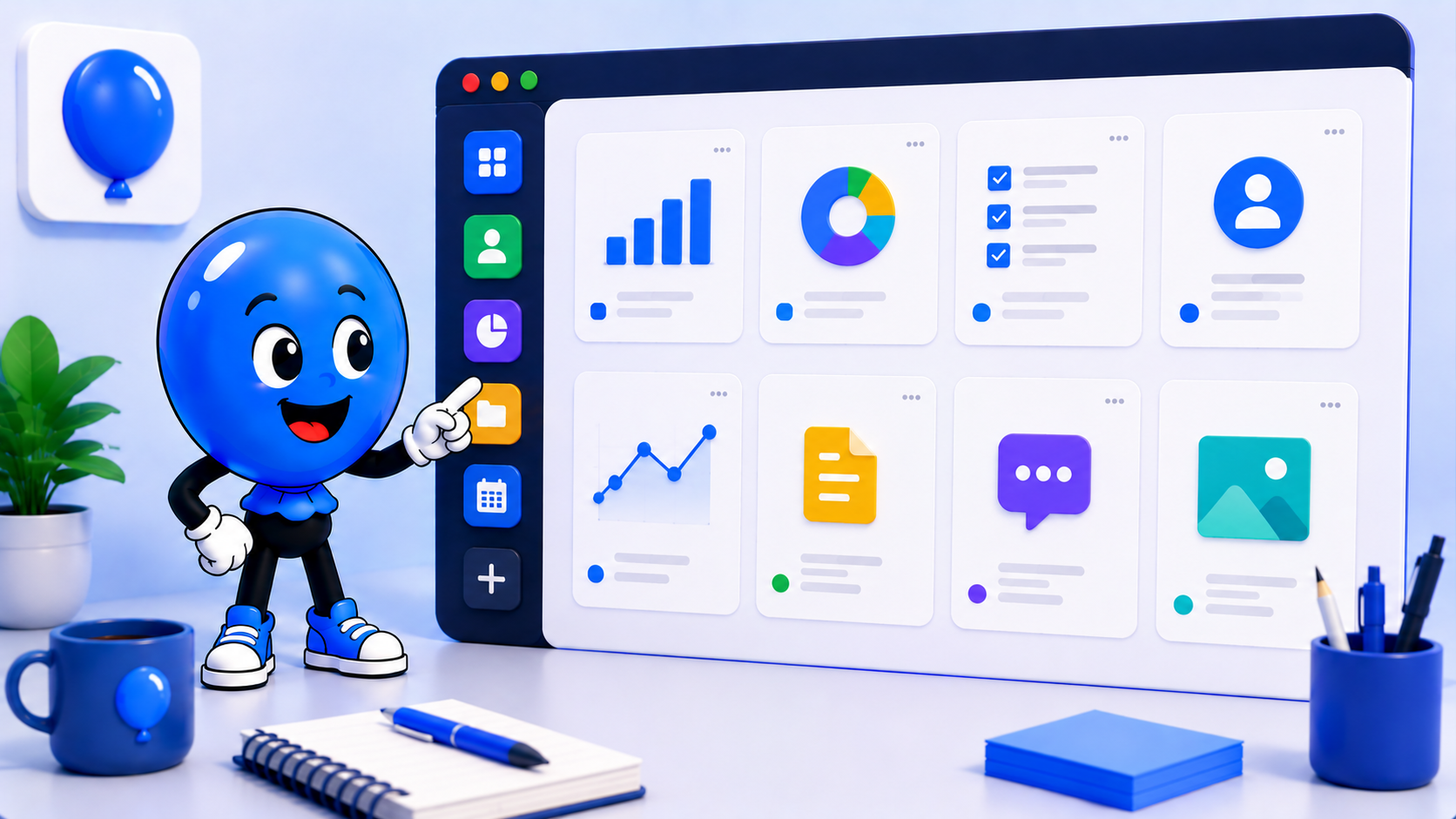
weballoon logo beside Ballonie using a pair of specialized "privacy goggles" to look at a Google Doc. Outside the doc, the rest of the web is invisible to Google, represented by a thick, protective digital barrier.
Google Workspaceprivacysandboxingdata-securityv1.0.5

The Google Ecosystem "Tax"

In 2026, Google’s data collection has become more sophisticated than ever. While tools like Google Drive and Sheets are essential for professional collaboration, they often come with a hidden "privacy tax." If you use them in a standard browser where you are constantly signed in, Google isn't just seeing your spreadsheets—it’s using those persistent cookies to track your searches, your YouTube history, and your activity on millions of third-party sites that use Google analytics. The problem isn't the tools; it’s the unrestricted access the browser gives to your Google identity across every tab you open.

Breaking the Link with Isolated Sessions

weballoon changes the relationship between you and the Google ecosystem. Instead of having one "Google-infected" browser window, weballoon uses Isolated Sessions to create a hard boundary. When you add Google Sheets or Drive to a weballoon workspace:

  • The Sandbox Effect: Your Google login is trapped inside that specific application slot. It cannot "reach out" to see what you are doing in your other app slots or your general research.
  • No Cross-Pollination: You can be signed into your work Google Workspace in one app and a "burn account" for research in another. Because the partitions are hardware-isolated, Google’s trackers cannot link these two identities together.
  • Clean Fingerprinting: weballoon presents a stable, isolated environment for your Google apps, preventing the "Web & App Activity" trackers from vacuuming up data from your non-Google work. Contextual Privacy: Work vs. Everything Else Most users don't want to quit Google; they just want to stop Google from following them into their private lives. weballoon allows you to define these boundaries visually and technically:
  • The "Work Only" Workspace: Group your Sheets, Docs, and Gmail here. Log in once, and stay logged in. This identity is restricted strictly to this workspace.
  • The "General Search" Workspace: Use a privacy-focused search engine or a logged-out browser instance here. Because this is a separate sandbox, Google won't know that the person writing the "Quarterly Report" in Workspace A is the same person researching "Private Medical Advice" in Workspace B. Security Beyond the Tracker Beyond tracking, there is the risk of account compromise. Since your Google account often holds the "keys to the kingdom," weballoon allows you to add a PIN Protection layer to your Google Workspace. Even if your computer is unlocked, your sensitive Docs and Sheets remain encrypted behind a local code. By using weballoon, you turn the Google Suite back into what it was meant to be: a powerful set of productivity tools, rather than a wide-reaching surveillance network.

Key takeaways

  • Hard Isolation: Sandboxing prevents Google cookies from tracking your activity in other weballoon apps or workspaces.
  • Identity Separation: Stay logged into different Google accounts simultaneously without any data "leaking" between them.
  • Reduced Data Profile: Limit Google’s "Web & App Activity" collection by restricting their access to a single, isolated partition.
  • Local Security: Use PIN protection to add an extra layer of security to your most sensitive professional documents.

Blog & Comparisons

Keep the same calm setup across every workspace

Turn important web apps into cleaner desktop spaces with isolated sessions, focused workspaces, and fewer tabs fighting for attention.

More from the blog

More workflow notes, product thinking, and practical setup ideas that fit the same calmer desktop philosophy.

weballoon logo beside Ballonie using a digital magnifying glass to look at a list of running apps, highlighting one that is consuming a "giant" amount of red RAM while others stay small and green.
PerformanceMay 8, 2026

Why we built a Task Manager: Identifying "Zombie Processes"

Web apps often hide "zombie processes" that eat your RAM and CPU. Learn how weballoon’s new Task Manager helps you identify and kill them before they slow down your Mac or Linux.

Read more
weballoon logo beside Ballonie fine-tuning a digital engine, representing the performance optimizations made to the app's core shell.
ProductMay 8, 2026

The Update Log v1.0.5: Performance Under the Hood

A behind-the-scenes look at weballoon v1.0.5. Explore the performance optimizations and new features designed to make your macOS and Linux desktop experience even calmer.

Read more