Version 1.0.5 is now live for macOS and Linux.

DOWNLOAD
Back to blog
Productivity

The Guide to Magic Links: Move your workspace in 10 seconds

Move your entire weballoon workspace to a new computer in seconds. Learn how Magic Links sync your setup while keeping your sensitive data local.

Written by BallonieMay 8, 20264 min read
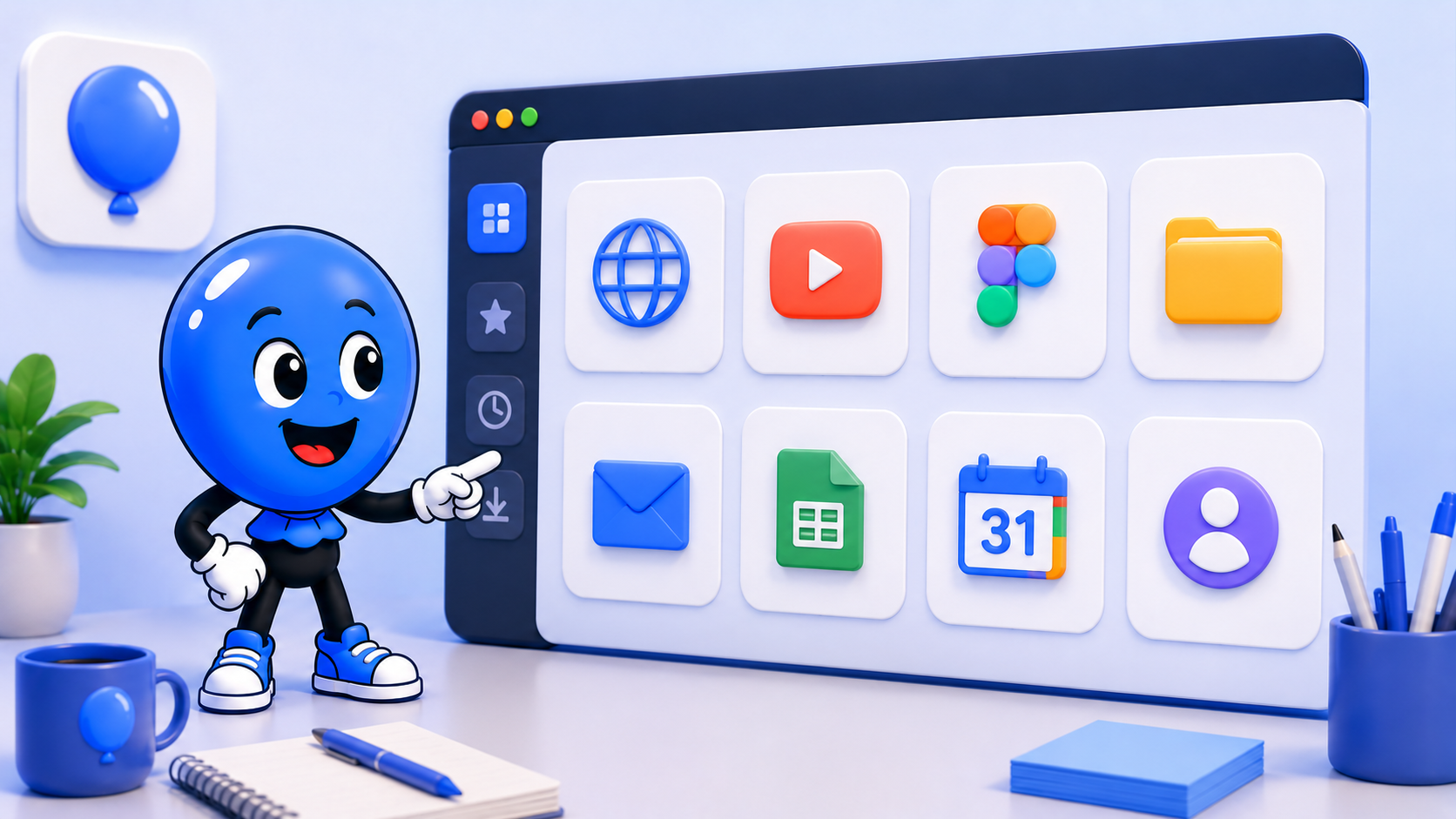
weballoon logo beside Ballonie holding a glowing "Magic Link" that bridges two computer screens, showing an identical app layout appearing instantly on the second screen.
magic linksyncportabilityonboarding

The headache of "Setting Up"

We’ve all felt the dread of getting a new computer. It usually involves a multi-hour marathon of downloading browsers, remembering complex passwords, and manually re

  • opening every tab and tool you need to stay productive. It’s a friction-filled process that kills an entire workday. weballoon was built to solve this. We wanted a way to make your professional environment as portable as a physical laptop, without the security risks of traditional cloud
  • syncing.

Enter the Magic Link

A Magic Link is our answer to the "password problem." Instead of creating a vulnerable master password that stays in a database, weballoon uses a secure, temporary link to pair your devices. When you want to move your setup to a new machine:

  • Generate a link on your primary device.
  • Open that link on your new macOS or Linux machine.
  • Watch your workspace appear. In seconds, your entire structure—your workspaces, your app groups, and your custom URLs—is mirrored on the new device. No typing, no "Forgot Password" loops, and no friction. Portability without "Cloud Exposure" The most important part of the Magic Link system is what it doesn't do. While your setup (the list of apps and how they are organized) is pulled to the new device, your sensitive data (cookies, active logins, and passwords) stays behind. Because weballoon is Local-First, you still get to log in freshly on your new machine. This ensures that a "synced" workspace isn't a "vulnerable" workspace. You get the convenience of your layout without the risk of your active bank sessions or private Slack tokens floating in the cloud. Push or Pull: You stay in control Magic Links aren't just for the first day of a new computer. They allow you to "Push" updates from your desktop to your laptop, or "Pull" a new research workspace you created on the go. It makes your desktop environment fluid. Your workspace is no longer a static thing tied to one piece of hardware; it’s a professional shell that follows you wherever you need to get work done.

Key takeaways

  • Passwordless Pairing: Link devices securely using a one-time Magic Link instead of a vulnerable master password.
  • Instant Migration: Carry your workspaces, app catalog, and layout to any macOS or Linux machine in seconds.
  • Privacy First: Magic Links sync your structure, but your active logins and cookies stay local to each device.
  • Zero Friction: Skip the manual setup process and get back to work immediately on any new hardware.

Blog & Comparisons

Keep the same calm setup across every workspace

Turn important web apps into cleaner desktop spaces with isolated sessions, focused workspaces, and fewer tabs fighting for attention.

More from the blog

More workflow notes, product thinking, and practical setup ideas that fit the same calmer desktop philosophy.

weballoon logo beside Ballonie using a digital magnifying glass to look at a list of running apps, highlighting one that is consuming a "giant" amount of red RAM while others stay small and green.
PerformanceMay 8, 2026

Why we built a Task Manager: Identifying "Zombie Processes"

Web apps often hide "zombie processes" that eat your RAM and CPU. Learn how weballoon’s new Task Manager helps you identify and kill them before they slow down your Mac or Linux.

Read more
weballoon logo beside Ballonie fine-tuning a digital engine, representing the performance optimizations made to the app's core shell.
ProductMay 8, 2026

The Update Log v1.0.5: Performance Under the Hood

A behind-the-scenes look at weballoon v1.0.5. Explore the performance optimizations and new features designed to make your macOS and Linux desktop experience even calmer.

Read more
