

RELEASE

weballoon 1.0.4 Released for macOS and Linux.

DOWNLOAD
Back to blog
Roundup

5 Canva alternatives for design, presentations, and social graphics

A practical shortlist of Canva alternatives for teams, creators, marketers, and small businesses that need polished visuals without design chaos.

Written by BallonieApril 28, 20267 min read
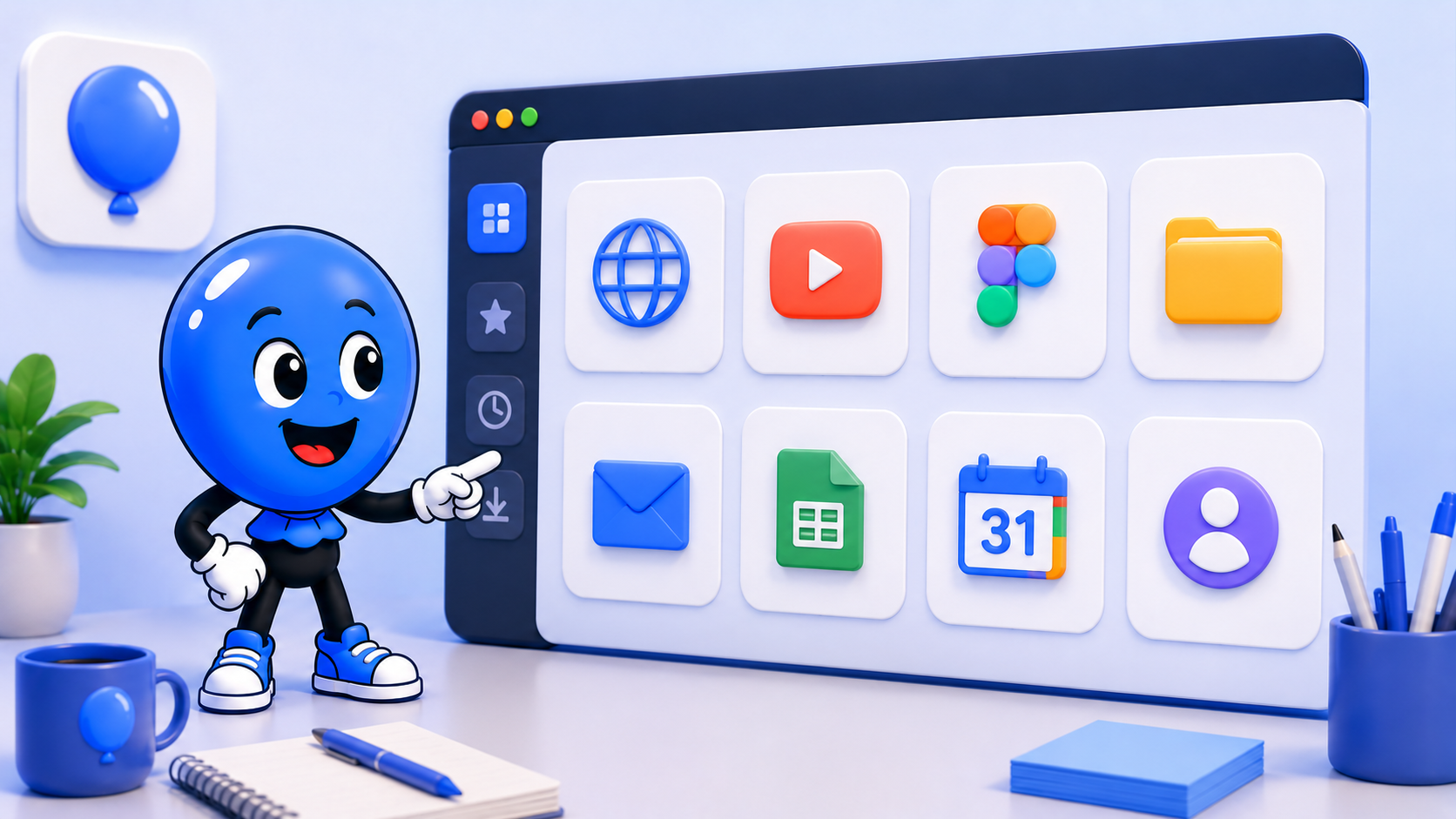
weballoon logo beside Ballonie presenting design and presentation app panels.
canvadesign toolspresentationsalternatives

Why people look beyond Canva

Canva is popular because it makes design feel approachable. You can create social posts, pitch decks, flyers, thumbnails, simple brand assets, and quick marketing graphics without opening a professional design suite. For a lot of teams, that is exactly enough.

People start looking for alternatives when the workflow changes. Some need stronger presentation tools. Some need more control over brand systems. Some want better collaboration, whiteboarding, document design, or handoff into a more advanced creative process. The right alternative depends on what kind of visual work you do most often.

Adobe Express

Adobe Express is one of the closest mainstream Canva alternatives. It is useful for quick graphics, short videos, social posts, flyers, and branded templates. The biggest reason to consider it is the Adobe ecosystem: if your team already uses Photoshop, Illustrator, Lightroom, or Adobe Stock, Express can feel like the lighter front door into that world.

It is best for creators and marketers who want a template-led tool but still like being near Adobe's creative stack. It may feel heavier than Canva for simple one-off graphics, but stronger if your visual work sometimes grows into more polished creative production.

Figma

Figma is not a direct Canva clone, but it belongs in the conversation when collaboration and flexible design systems matter. It is stronger for interface mockups, product visuals, design review, brand systems, and reusable components. FigJam also adds a whiteboard layer for planning, workshops, and brainstorming.

Figma is best when your visuals need structure and iteration. It is less casual than Canva, but much better if several people are designing, reviewing, and improving assets together. For teams that already think in systems, Figma can become the more durable choice.

VistaCreate

VistaCreate is a familiar option for social media graphics, simple brand content, posters, ads, and animated templates. It is close to Canva in spirit: fast, template-heavy, and friendly for people who do not want to start from a blank canvas.

It is worth considering if your main need is quick marketing content and you want a Canva-like experience with a different template library or pricing fit. The decision usually comes down to which platform has the templates, export flow, and brand controls that match your rhythm.

Pitch

Pitch is a better fit when presentations are the real job. Canva can make good decks, but Pitch is more focused on slide collaboration, storytelling, team templates, speaker-ready presentation workflows, and polished decks that move through review.

It makes sense for startups, sales teams, agencies, and operators who care more about presentations than general-purpose graphics. If most of your Canva work eventually becomes a deck, Pitch may be the more natural center.

Visme

Visme sits somewhere between design, presentations, infographics, and business content. It is useful for reports, charts, data-friendly visuals, training materials, proposals, and marketing assets that need more explanation than a simple social post.

It is a strong option for teams that create educational or business-heavy content. If your visuals often include process diagrams, stats, reports, or internal communication, Visme can be more focused than a pure social design tool.

How weballoon fits around these tools

Design work often spreads across several apps: a template tool, a stock library, a brand folder, a presentation app, and a social scheduler. Running those tools inside a dedicated weballoon workspace can keep creative work separate from email, admin, and everyday browsing.

That is especially helpful for creators and marketers who manage multiple brands or clients. Each brand can have its own workspace, with the right design tools, folders, dashboards, and publishing pages ready to reopen together.

Key takeaways

  • Choose Adobe Express if you want a Canva-like tool close to Adobe's creative ecosystem
  • Choose Figma if collaboration, systems, and product design matter more than simple templates
  • Choose Pitch or Visme if presentations and business visuals are the real center of the workflow
  • Use weballoon workspaces to keep design tools, brand assets, and publishing pages organized by client or project

Blog & Comparisons

Keep the same calm setup across every workspace

Turn important web apps into cleaner desktop spaces with isolated sessions, focused workspaces, and fewer tabs fighting for attention.

More from the blog

More workflow notes, product thinking, and practical setup ideas that fit the same calmer desktop philosophy.

weballoon logo beside Ballonie presenting team chat and async communication app panels.
RoundupApril 28, 2026

5 Slack alternatives for team chat and async communication

A clear shortlist of Slack alternatives for teams that want calmer chat, better async habits, or a different communication stack.

Read more
weballoon logo beside Ballonie with a calm streaming workspace and video app panels.
WorkspacesApril 28, 2026

How to keep Netflix, Disney+, Max, and Prime Video in one desktop space

A simple entertainment workspace for keeping streaming platforms together without filling your main browser with watch tabs.

Read more