

RELEASE

weballoon 1.0.4 Released for macOS and Linux.

DOWNLOAD
Back to blog
Productivity

How to organize research, admin, and communication tools so they stop colliding

A calmer desktop method for keeping reading, approvals, and messages from crashing into each other all day.

Written by BallonieApril 25, 20266 min read
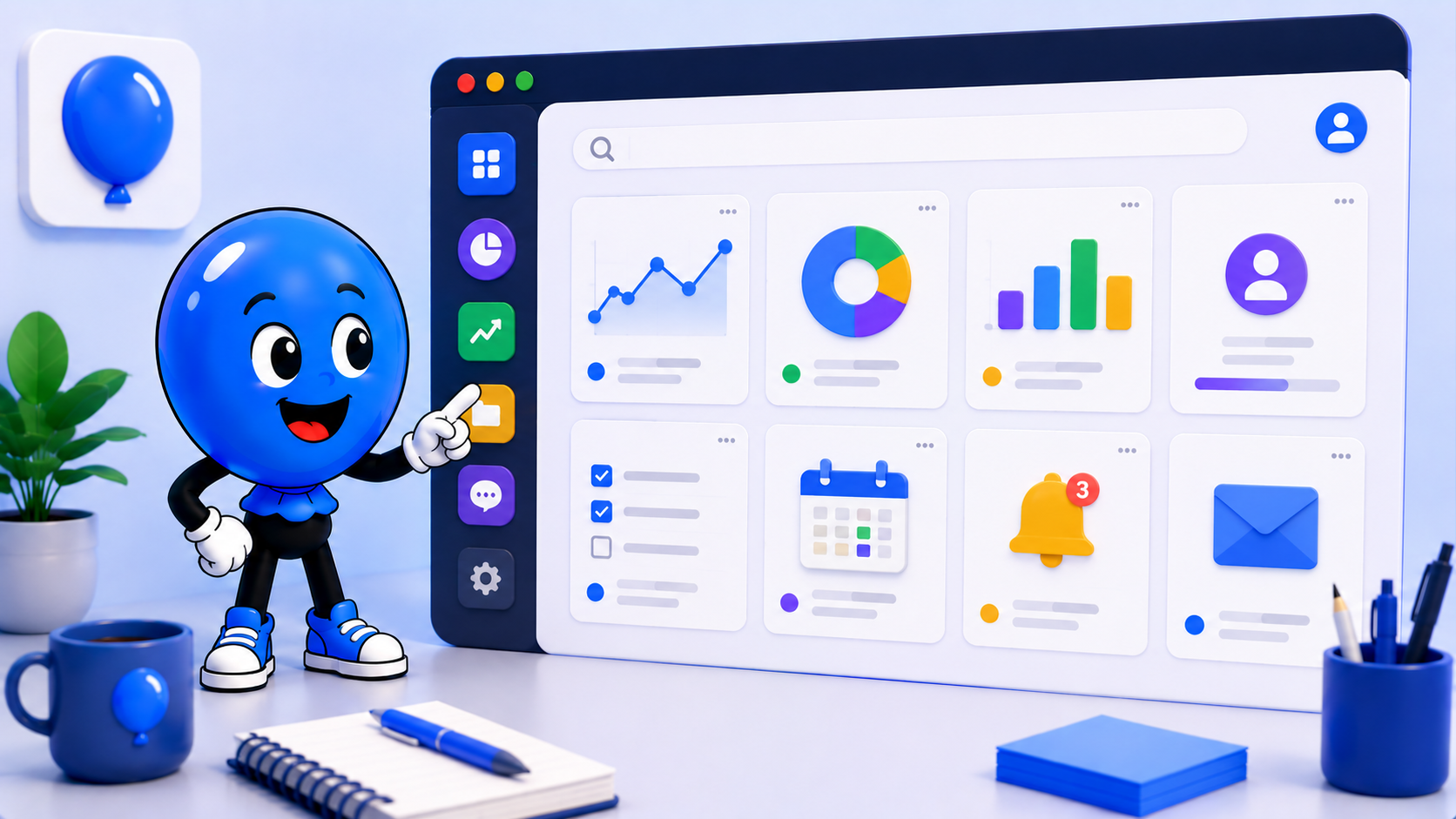
Ballonie presenting separate research, admin, and communication panels inside a calm workspace scene.
researchadmincommunication

Why these three modes keep sabotaging each other

Research, admin, and communication ask for different kinds of attention. Research needs quiet and room to think. Admin needs short, accurate decisions. Communication wants constant visibility and fast replies. When all three live in one browser mess, they keep pulling against each other.

That is why many people feel busy without feeling clear. A message interrupts reading, a billing chore opens in the middle of research, and then email stays visible while you are trying to finish something deeper. The problem is often less about discipline and more about trying to run conflicting work modes in one place.

Build three lanes with three different rules

A calmer setup starts by giving each mode its own lane. Research gets a quieter workspace with sources, notes, and long-form reading. Admin gets a batch-oriented workspace for approvals, invoicing, calendars, and settings. Communication gets its own space for inboxes, chat, and follow-ups.

When each mode opens inside its own workspace, the desktop stops behaving like one endless pile. You are no longer deciding from scratch what belongs in view. You open the lane that matches the kind of work you are doing and let the rest of the day stay out of the way.

Let urgency live in communication, not everywhere

Messages are not the problem on their own. The real problem is when communication becomes a global layer that sits on top of every other mode. If chat, email, and support tools stay pinned everywhere, research never feels quiet and admin never feels finite.

It helps to keep communication visible only inside the communication lane, then revisit it deliberately. weballoon workspaces make that easier because you can keep the message-heavy tools together instead of scattering them through every context on the desktop.

Use one spillover space for overlap instead of polluting the core

Some tasks naturally cross modes. A message creates a research task. Research creates an admin task. That does not mean the core spaces should all absorb each other. It usually means you need one temporary spillover space for things that are in transit.

That space can hold short-lived tabs, draft approvals, or a tool you need for half an hour and then no longer want in your main setup. Resetting that spillover area at the end of the day protects the clearer boundaries you built in the first place.

Key takeaways

  • Research, admin, and communication need different kinds of desktop space
  • Give each mode its own workspace instead of forcing all three into one browser view
  • Keep communication visible in its own lane so urgency does not spread everywhere
  • Use one spillover space for temporary overlap instead of cluttering the core setup

Blog & Comparisons

Keep the same calm setup across every workspace

Turn important web apps into cleaner desktop spaces with isolated sessions, focused workspaces, and fewer tabs fighting for attention.

More from the blog

More workflow notes, product thinking, and practical setup ideas that fit the same calmer desktop philosophy.

Ballonie using a laptop beside a curated set of multi-account desktop app panels.
RoundupApril 25, 2026

Best tools for multiple accounts on desktop without browser profile chaos

A practical roundup of the desktop tools worth considering when Chrome profiles and private windows are no longer enough.

Read more
Ballonie thinking beside three comparison panels for multi-account desktop workflows.
ComparisonApril 25, 2026

weballoon vs Shift vs Wavebox: which multi-account desktop app fits your workflow best?

A fair comparison for people deciding between a calmer workspace tool and browser-style command centers for multiple accounts.

Read more